On this page
- What is a YouTube title checker?
- What should a good YouTube title do?
- What is the YouTube title character limit and ideal YouTube title length?
- How do you check a YouTube title before publishing?
- YouTube title checker vs YouTube title generator: which do you need?
- Common YouTube title mistakes
- How do you test YouTube titles after publishing?
- How Monal Radar's Title check helps
A YouTube title checker should tell you one thing: will this title get the right people to click? Most free tools only count characters and score "power words". That's a start, but it misses the two questions that matter most: is anyone searching for this, and do titles like it actually perform in your niche? This guide shows you what a good check should cover, how to test a title yourself, and where most titles go wrong.
Short answer
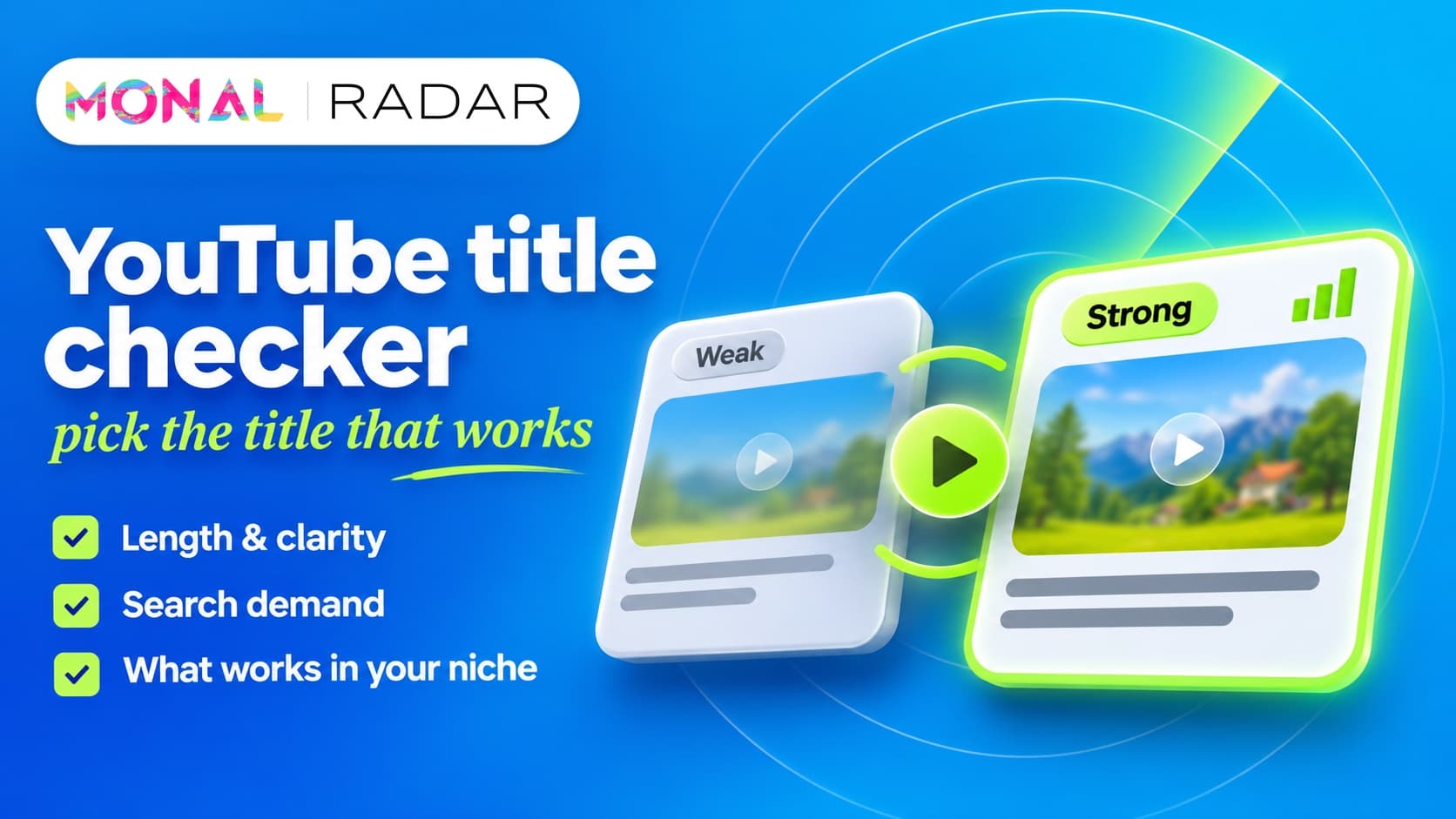
a YouTube title checker tests a title before you publish. A useful one checks five things: length (YouTube allows up to 100 characters, but long titles get cut off), clarity, search demand, how similar titles perform in your niche, and whether the title matches the thumbnail and the video. Character counters cover the first two. The last three need real market data.
What is a YouTube title checker?
It's a tool or process for testing a video title before it goes live. It looks for problems that stop people from clicking: titles that are too long, too vague, stuffed with keywords, or built around a topic nobody searches for.
There are three common types:
| Type | What it checks | What it misses |
|---|---|---|
| Character counters | Length, truncation, capital letters | Whether anyone wants the video |
| Headline analyzers | Emotional and "power" words, word balance | Your niche and your audience |
| Market-based checkers | Search demand and how similar titles perform | Nothing important, if the data is fresh |
A YouTube title analyzer that only scores words can rate a bland title highly and a strong one poorly. The best check combines all three.
What should a good YouTube title do?
A good YouTube title makes a clear promise to a specific viewer, in words they'd use themselves. It earns the click without misleading anyone.
Strong titles usually share these traits:
- The key idea comes first. Viewers scan the first few words, so the topic and the payoff should lead.
- One clear promise. "How to edit faster in DaVinci Resolve" beats "My editing workflow + tips + gear".
- The viewer's language. Use the words people type into YouTube's search bar, not internal jargon.
- A reason to click now. Curiosity, a result, a mistake to avoid, or a comparison.
- A match with the thumbnail. The title and thumbnail should work together, not repeat each other.
The best YouTube titles in any niche, from gaming to cooking to finance, tend to tick all five.
What is the YouTube title character limit and ideal YouTube title length?
The YouTube title character limit is 100 characters. In practice, far fewer are visible: search results, the home feed and mobile screens cut long titles off. Write as if only the first few words will be seen: the best YouTube title length is as short as it can be while staying clear.
A simple rule: if the title still makes sense when cut in half, the length is fine. If the payoff only appears at the end, move it to the front.
For example:
- ❌ "I tried every cheap microphone I could find and here is the one I'd actually buy"
- ✅ "The best budget microphone (I tested 7)"
How do you check a YouTube title before publishing?
Run every title through this five-step check. It works for any niche, any language and any country.
- Length and front-loading. Is the main idea in the first few words? Would it survive being cut off?
- Clarity. Could a stranger tell what the video is about from the title alone?
- Search demand. Type your main phrase into YouTube's search bar. If YouTube suggests similar searches, people are looking. If nothing comes up, rethink the wording.
- Market proof. Search the topic and look at channels your size. Which titles on similar videos did well compared with each channel's usual results? What wording do they share?
- Packaging fit. Put the title next to your thumbnail. Do they tell one story together, or say the same thing twice?
If a title fails step 3 or 4, the problem usually isn't the wording. It's the topic or angle. That's worth knowing before you film, not after.
YouTube title checker vs YouTube title generator: which do you need?
A YouTube title generator gives you options. A checker tells you which option to use. They solve different problems.
Generators are useful when you're stuck and need fresh angles or YouTube video title ideas. But they can't tell you whether a title fits your audience, because they don't know your niche or what's working in it right now. Use a generator to brainstorm, then a checker to decide.
Common YouTube title mistakes
Most weak titles fail for the same few reasons:
- Clickbait that the video doesn't deliver. Viewers leave early, and that hurts the video more than a modest title would.
- Keyword stuffing. "Gaming setup 2026 best gaming setup cheap gaming setup" reads like spam. YouTube title SEO is about the right phrase used once, naturally.
- Vague titles. "My thoughts" or "Big update" gives no reason to click.
- Inside jokes and channel jargon that new viewers won't understand.
- The same words as the thumbnail. Use the thumbnail for emotion and the title for the promise.
- Copying big channels word for word. A title that works for a giant channel with a loyal audience may not work for yours.
How do you test YouTube titles after publishing?
Even a well-checked title is still a guess until viewers respond. After a video goes live:
- Watch click-through rate on impressions in YouTube Analytics for the first days, compared with your other videos.
- Change one thing at a time. If the title isn't working, try a clearer version and leave the thumbnail alone, so you know what made the difference.
- Use YouTube Studio's Test & compare feature if it's available for your channel.
- Learn from retitles in your niche. When another channel changes a title and the video picks up afterwards, that's a free lesson in what your audience responds to.
How Monal Radar's Title check helps
Monal Radar's Title check is a YouTube title tester built on market data, not word lists. It tests your title against search demand and what performs in your market, before you publish.
Monal Radar covers the other parts of the five-step check too:
- Retitles: detects when a competitor changes a title or thumbnail, and whether views rose afterwards, so you can see which wording works in your niche.
- Breakouts: scores every video against its own channel's normal for the same format. A breakout is 3× or more of that normal, with at least 25,000 views. Their titles show you what's pulling viewers right now.
- Optimize: suggests a better title, description or tags. You make the change yourself in YouTube Studio; nothing changes on your channel.
Every insight shows its work, naming the channels, videos and time windows behind it. Monal Radar checks the channels you watch every six hours and reads the wider market once a day, so the comparison is current.
Monal Radar comes from Monal Digital, a team publishing on YouTube for 10+ years. Every feature exists because our own channel needed it first.