On this page
- What are YouTube channel analytics?
- How do you check analytics on YouTube?
- Which YouTube Studio analytics metrics matter most?
- How to read your YouTube channel analytics without getting lost
- Can you see YouTube analytics for other channels?
- What YouTube channel analytics can't tell you
- How Monal Radar adds market data to your analytics
YouTube channel analytics tell you what happened on your channel: who watched, how they found you and where they left. That's valuable, but it's only half the picture. Your numbers can't tell you what's working for other channels in your niche right now, and that's often what decides your next video. This guide covers both halves.
Short answer
YouTube channel analytics live in YouTube Studio, under Analytics (which YouTube has started renaming Insights). The metrics that matter most are:
- impressions
- click-through rate
- average view duration
- audience retention
- traffic sources
- subscribers gained per video
Read each one against your own channel's normal, not against other channels. For what's happening outside your channel, such as rising topics and competitors' breakouts, you need market data, because YouTube Analytics only shows your own channel.
What are YouTube channel analytics?
YouTube channel analytics are the performance reports YouTube gives every channel owner. They show how your videos are found, watched and shared, and who your viewers are.
They are private: only you, and anyone you give access to, can see them. Public numbers such as subscriber counts and view counts are visible to everyone, but the detail behind them, like retention or click-through rate, is not.
How do you check analytics on YouTube?
You can check them on desktop or mobile:
- Desktop: sign in to YouTube Studio and select Analytics (or Insights) in the left menu.
- Mobile: open the YouTube Studio app and tap Analytics, or open the YouTube app, tap your profile picture, then View channel and Analytics.
- One video: in YouTube Studio, go to Content and click the analytics icon next to any video.
YouTube is moving Analytics to a new Insights view in YouTube Studio, with plain-language summaries next to the usual charts. The metrics are the same; the layout is changing.
Which YouTube Studio analytics metrics matter most?
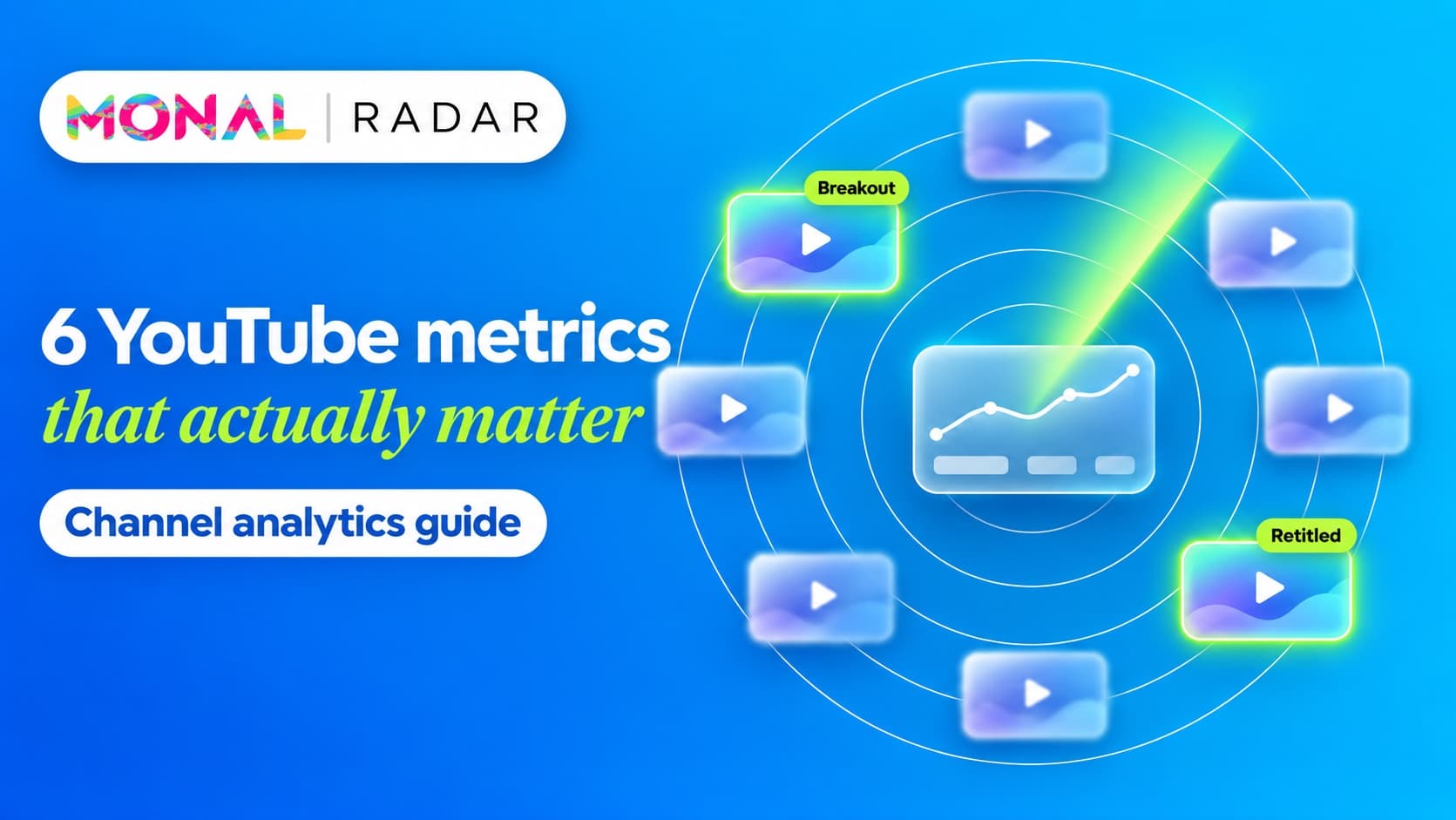
YouTube Studio analytics show dozens of numbers. These six answer the questions that actually change what you make:
| Metric | The question it answers | What to do with it |
|---|---|---|
| Impressions | Is YouTube showing my video? | Low impressions point to the topic or search phrasing |
| Impressions click-through rate | Do people click when they see it? | Low CTR points to the title and thumbnail |
| Average view duration | How long do viewers stay? | Short duration points to pacing or a broken promise |
| Audience retention | Where exactly do viewers leave? | Fix the moments where the graph drops sharply |
| Traffic sources | How do viewers find me? | Shows whether search, browse or suggested drives you |
| Subscribers gained per video | Which videos win fans? | Make more of your top subscriber-winners |
Also check returning vs new viewers, which shows whether people come back, and when your viewers are on YouTube, which helps with upload timing.
How to read your YouTube channel analytics without getting lost
Numbers only help if they lead to a decision. Use this simple routine after every upload:
- Compare with your own normal. Is this video above or below your usual impressions, CTR and view duration for the same format? Judge Shorts against Shorts and long-form against long-form.
- Find the weak step. Few impressions, low clicks or early exits each point to a different fix.
- Change one thing at a time. If CTR is low, test a new title or thumbnail, not both at once.
- Look for patterns across videos. One video is noise. Five videos with the same strength or weakness is a pattern worth acting on.
This turns YouTube analytics from a scoreboard into a to-do list.
Can you see YouTube analytics for other channels?
No. The full analytics for any channel are private to its owner. From outside, you can only see public data: subscribers, views, upload dates, titles and thumbnails.
That's where tools come in. A YouTube channel analyzer or channel stats site tracks that public data over time, so you can see how a channel is growing, which videos took off and what changed. That's the basis of useful YouTube competitor analysis.
What YouTube channel analytics can't tell you
Your own analytics are a rear-view mirror for one channel. They can't show you:
- Which topics are rising in your niche before you've made a video on them.
- Which competitor videos are beating their own channel's normal, and by how much.
- When a competitor changes a title or thumbnail, and whether it worked.
- Which channels your size are growing fastest, and what they're doing differently.
These are market questions. To answer them, you need data on the channels around you, collected consistently over time.
How Monal Radar adds market data to your analytics
YouTube channel analytics show what happened on your channel. Monal Radar watches the market around you, your niche and your competitors, on three-year archives, and shows what's changing. It checks the channels you watch every six hours and reads the wider market once a day.
- Market boards: daily rankings by size, momentum and category, with channels measured against channels their own size.
- Breakouts: scores every video against its own channel's normal for the same format. A breakout is 3× or more of that normal, with at least 25,000 views.
- Retitles: detects when a competitor changes a title or thumbnail, and whether views rose afterwards.
- Shorts and long-form are scored separately, the same way you should read your own numbers.
Market boards, channel pages and research work without linking your channel. If you do link it, the link is read-only and adds your private layer, including your exact subscriber curve, retention and your viewers' searches, which only you can see. Radar never changes anything on your channel.
Monal Radar comes from Monal Digital, a team publishing on YouTube for 10+ years. Every feature exists because our own channel needed it first.