On this page
Most advice on how to grow a YouTube channel boils down to “post consistently and be patient”. That’s true, and it’s not enough. Plenty of creators upload every week for a year and still feel stuck. This playbook shows what actually moves a channel forward: making videos your niche already wants, packaging them well, and learning from every upload.
Short answer
if you want to know how to grow a YouTube channel, study channels your own size, make videos on topics that are already outperforming in your niche, plan the title and thumbnail before you film, hook viewers in the first seconds, publish on a rhythm you can keep, and review every launch so the next video is better.
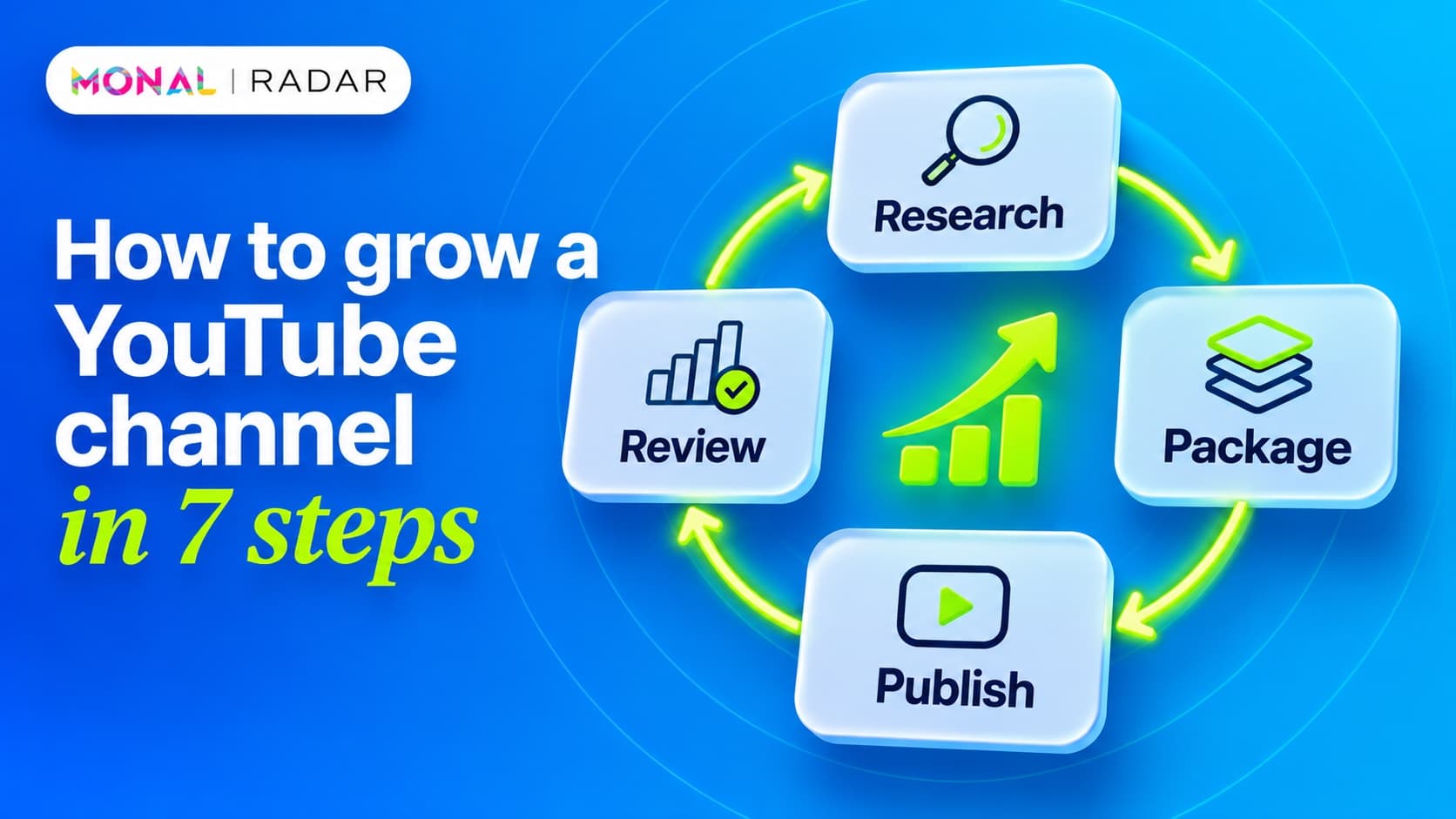
How to grow your YouTube channel in 7 steps
These seven steps cover how to grow a YouTube channel from your next upload onwards, in the order they matter most.
1. Pick a lane people can describe in one line
A viewer should be able to say what your channel is about in one sentence: “budget PC builds”, “GRE prep for working people”, “home cooking in under 20 minutes”. A clear lane helps YouTube understand who to show your videos to, and helps viewers decide to subscribe.
You don’t need a tiny niche. You need a consistent promise. If you’re still working out how to start a YouTube channel, settle this first.
2. Study channels your size, not the biggest names
Find 5–10 peer channels: similar size, same category. Then look at each one’s normal, what a typical recent video gets. The useful signal is a video that does several times that channel’s normal. It tells you a topic or format pulled in viewers beyond its usual audience.
This is the core of a smart YouTube growth strategy. You’re not copying videos. You’re finding proof of demand at your level.
3. Make videos your niche already wants
Before you commit a week to a video, check for demand:
- YouTube search suggestions: type your topic and note what YouTube suggests.
- Comments: repeated questions on your videos and your peers’ videos are ready-made ideas.
- YouTube Studio’s Research tab: shows what your viewers search for across YouTube.
- Outperforming videos on peer channels, from step 2.
An idea that shows up in more than one of these places is worth making. For a full list of formats to start from, see our guide to YouTube video ideas.
4. Plan the title and thumbnail before you film
The title and thumbnail are the first thing anyone sees. If they don’t make someone click, nothing else gets a chance. So write the title first, sketch the thumbnail, and only then plan the video around that promise.
A simple test: would you click this over the other videos on the same search results page? If not, rework it before you hit record.
5. Earn the first 30 seconds
Once someone clicks, the opening has one job: confirm they’re in the right place. Cut long intros, logo stings and “before we start” detours. Show the payoff early, then deliver it.
Then watch your audience retention graph. A sharp drop in the opening seconds means the start didn’t match the title.
6. Publish on a rhythm you can keep
Consistency matters, but only at a pace you can sustain without the quality slipping. One strong video every week beats three rushed ones followed by a month of silence.
Keep Shorts and long-form in mind too. They work differently, so judge each format against its own results, not against each other.
7. Review every launch, then repeat what worked
After each upload, look at three things in YouTube Analytics: click-through rate on impressions, average view duration, and where viewers came from. Write one line about what you’d change next time.
Over a few months, those notes become your own playbook. That feedback loop is what separates channels that grow from channels that just post.
How do you get more views and subscribers on YouTube?
If you’re asking how to get more views on YouTube, start with the click. If you’re asking how to get more subscribers on YouTube, start with the reason to come back.
Views come from two things working together: a topic people want and packaging that earns the click. If a video gets impressions but a few clicks, fix the title and thumbnail. If it gets clicks but viewers leave early, fix the opening.
Subscribers come from a clear reason to come back. Viewers subscribe when they can see more videos like the one they just enjoyed. That’s why a consistent lane, playlists and series help so much:
- Group related videos into playlists so one video leads to the next.
- Use end screens to point to your best related video.
- Say what’s coming next. A viewer who knows part two is on the way has a reason to subscribe.
Asking for the subscription still works. It works best right after you’ve delivered something useful, not in the first ten seconds.
Is there a way to grow a YouTube channel fast?
Search how to grow a YouTube channel and you’ll find plenty of shortcuts. None of them hold up. Buying views, subscriber exchanges and “sub4sub” groups break YouTube’s fake engagement policy and can get videos removed. They also attract viewers who never watch, which sends YouTube the wrong signals about your channel.
What you can do is waste fewer uploads. Most of the time on a slow-growing channel goes into videos that were never going to land. Every idea you validate before filming is a week you don’t lose. That’s as close to “fast” as honest growth gets.
How Monal Radar helps you grow your channel
Monal Radar does the research in steps 2 and 3 for you, continuously. It checks the channels you watch every six hours, reads the wider market once a day, and shows you what’s taking off, with the evidence behind it.
- Market boards: daily rankings by size, momentum and category, so you can see which channels near your size are moving.
- Breakouts: scores every video against its own channel’s normal for the same format. A breakout is a video at 3× or more of that normal, with at least 25,000 views.
- Ideas: video ideas grounded in what’s breaking out on the channels you watch and in the market’s proven formats. Link your channel and they also use your own analytics and your viewers’ searches.
- Title check: tests your title against search demand and what performs in your market, before you publish.
- Launch tracker: reviews the first seven days of a new video, so step 7 doesn’t depend on memory.
Every insight shows its work. Monal Radar names the channels, videos and time windows behind each recommendation, scores Shorts and long-form separately, and compares channels with peers of their own size and category.
Linking your channel is optional, read-only, and you can unlink at any time. Radar never changes anything on your channel: Optimize suggests, and you make the change in YouTube Studio.
Monal Radar comes from Monal Digital, a team publishing on YouTube for 10+ years. Every feature exists because our own channel needed it first.